

Booking form can be found in every POMEN Smart Workshop’s account. Dont have POMEN Smart Workshop’s account? Get one here and enjoy 14 days free trial.
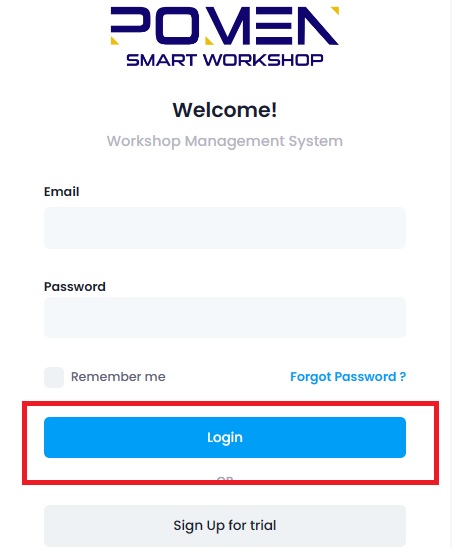
Step 1: Login to your POMEN Smart Workshop’s account.
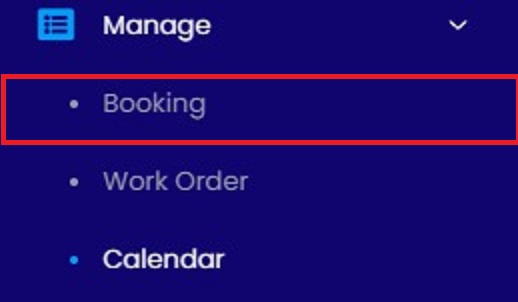
Step 2: Click on ‘booking’ under ‘manage’ button.
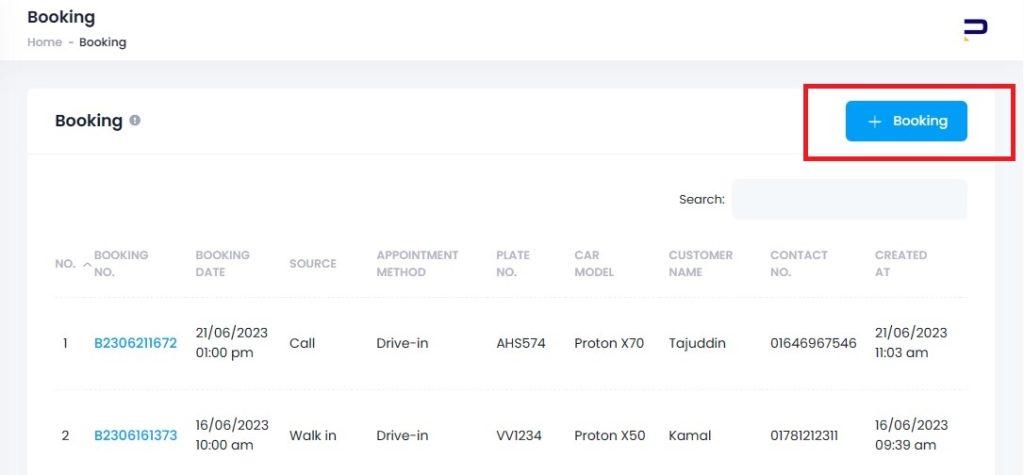
Step 3: Start add booking by clicking ‘+booking’ button.
Step 4: Insert your customer’s detail and car information.
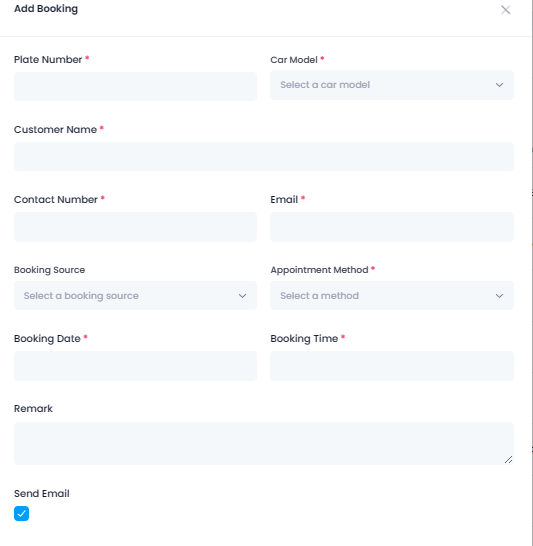
In this booking form, you may insert your customer’s booking details depending on how your customer book for their services. In ‘booking source’, you can select whether they book by call, send you whatsapp message, booking via website or they walk in to your workshop themselves.
In ‘appointment method’ section, you can choose an options such as ‘pick up/drop’, ‘on-site service’ or ‘drive in’ depending on your customer’s situation.
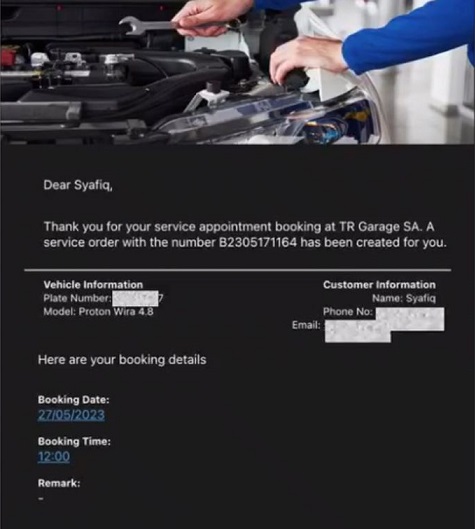
Finally, click ‘send email’ and your customer’s booking form will be send to their email. Their booking form will be look like this:
Another Method To Make A Customer Booking.
There’s an additional method to book a customer appointment at POMEN Smart Workshop. You can also make a booking through the ‘calender’ tools under the ‘manage’ button.
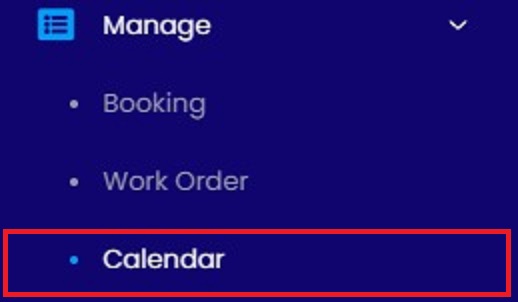
Next, click on the date to schedule your customer booking for upcoming day, week or months. After that, repeat Step 2. This method is much easier as you can monitor upcoming services on certain date.
After make a customer booking, you can proceed to do a work order. See how to make a work order here.
Still hesitate to get POMEN Smart Workshop? Hesitate no more! Get free demo now!